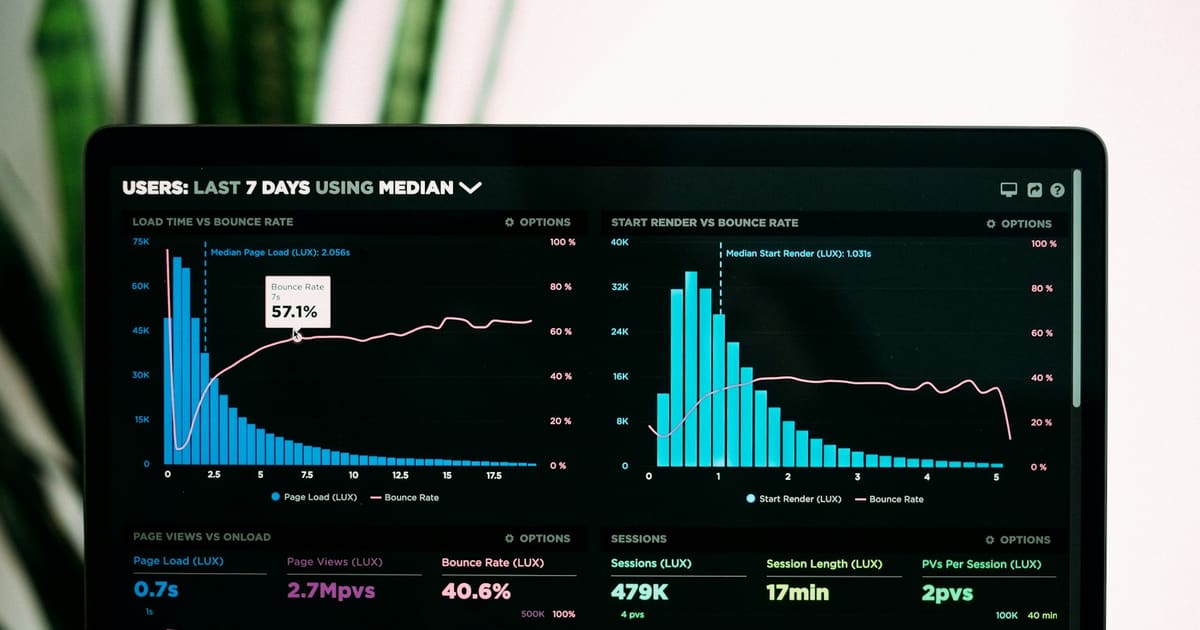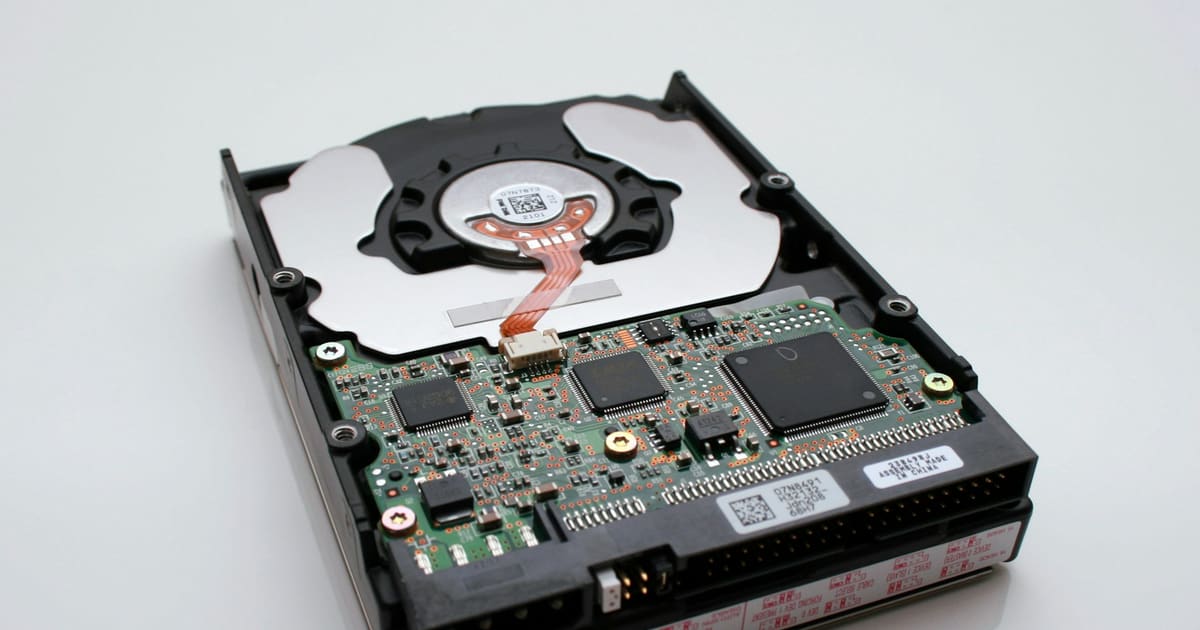
NVMe and LiteSpeed shorten the time your server takes to respond: an NVMe drive reads data much faster than a classic SSD, and LiteSpeed with LSCache sends pages that are already built. For a website that means a lower TTFB, better Core Web Vitals and fewer visitors giving up on the way.
What's the difference between NVMe, SSD and HDD?
How quickly the drive gets to your data. The type of drive decides how fast the server reads files and answers database queries:
- HDD (classic hard disk): mechanical drives with access times measured in milliseconds. Too slow for a modern website.
- SATA SSD: flash memory, much faster than an HDD, but capped by the SATA interface at roughly 550 MB/s.
- NVMe: talks to the PCI Express bus directly and reaches several GB/s, with microsecond latency and hundreds of thousands of operations per second (IOPS).
For an online store with thousands of products or a WordPress site that runs lots of queries, the gap between SSD and NVMe shows on every click. The server responds sooner (lower TTFB), and the advantage grows when a wave of traffic arrives. At BTU our web hosting plans run on NVMe, and for VPS and dedicated servers the drive type is listed in each configuration's specs.
What is LiteSpeed and why is it faster than Apache?
LiteSpeed is a web server, the software that sends pages to your visitors, built to use few resources under real traffic. Its best-known alternatives are Apache and Nginx.
Apache is flexible but uses a lot of memory per connection. Nginx is fast, but caching for PHP applications takes advanced configuration. LiteSpeed handles thousands of simultaneous connections on modest resources and reads .htaccess files, so a site built for Apache runs on it without major changes.
What does LSCache do for WordPress?
LSCache serves ready-built pages straight from memory, without starting PHP and the database on every visit. It's LiteSpeed's caching module, with official plugins for WordPress (WooCommerce included), Magento and Joomla.
Cached pages load much faster and the server copes better with traffic spikes. The cart, customer accounts and checkout stay dynamic, so a shop still needs a decent server behind it. On BTU's WordPress hosting, LSCache works at server level.
What does HTTP/3 add?
Connections that open faster and hold up better on unstable or mobile networks, where packets often get lost. LiteSpeed was among the first web servers with native HTTP/3 support (built on QUIC).
For someone on a phone with weak 4G, the difference is visible: the page appears sooner instead of loading piece by piece. And a large share of visitors browse on mobile.
Does server speed affect SEO?
Yes. Google uses Core Web Vitals among its ranking signals, and server response time feeds directly into the first of them. The three metrics are:
- LCP (Largest Contentful Paint): how long until the page's main element appears;
- INP (Interaction to Next Paint): how quickly the site reacts to clicks and taps;
- CLS (Cumulative Layout Shift): how much the layout moves around while the page loads.
NVMe, LiteSpeed and LSCache help LCP the most, because the server answers sooner and delivers content from cache. INP and CLS depend more on the theme, the scripts and how images are placed. On the sales side, a slow page means abandoned carts and shorter visits. And a stable server with good uptime matters as much as a fast one.
How do you check your site's speed?
With a few free tools, run before and after any change. These are the ones we use:
- Google PageSpeed Insights: your Core Web Vitals score, plus real visitor data if the site gets enough traffic;
- GTmetrix and WebPageTest: detailed reports, with a choice of test location;
- TTFB (Time To First Byte): under 200 ms is very good, and the figure depends heavily on storage and the server.
Run the tests several times, from different devices and connections, and compare the results before and after a hosting change. If the site is slow for other reasons, see why your website is slow.
Is it worth switching hosts for NVMe and LiteSpeed?
If your TTFB is high and the site drags, the problem often isn't the theme but the server underneath. BTU hosting runs on NVMe, LiteSpeed with LSCache and HTTP/3, in a Tier III datacenter in the EU, and we move your site for free from your old provider. When you grow, you can move up to a VPS or a dedicated server without changing provider.