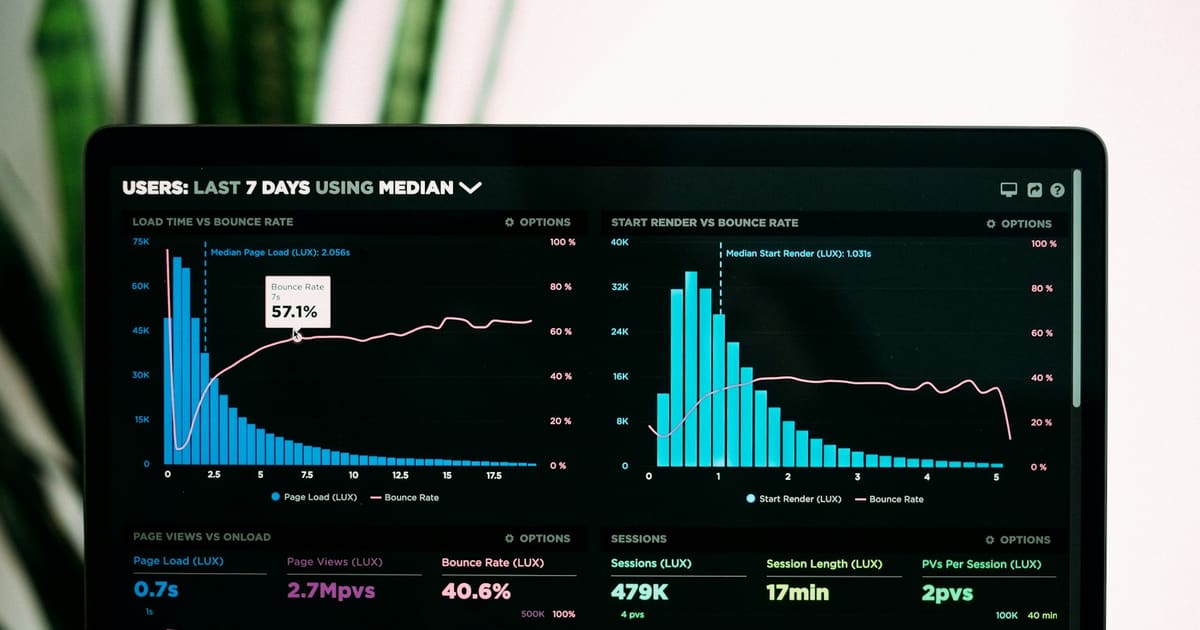
A website is usually slow because of its hosting, oversized images, too many plugins or missing caching. It's rarely just one of them, and a page that takes 5 seconds to load loses visitors before they've seen anything.
How do you find out what's slowing your site down?
Measure first, then fix. Run the page through Google PageSpeed Insights and look at the server response time (TTFB): if it's high, hosting is the first suspect; if the server answers quickly but the page still appears slowly, look at images, scripts and the theme.
Test a few times, on mobile and on desktop, so you don't draw conclusions from a single run. How to read the numbers is covered in our piece on NVMe, LiteSpeed and site speed.
Can hosting make a website slow?
Yes, and it's the most common cause. On a cheap shared plan with hundreds of sites on one machine, your speed depends on the neighbours. Old spinning disks answer database queries far more slowly than NVMe, and without server-side caching every visit builds the page from scratch.
It's also the easiest win: moving to NVMe hosting with LiteSpeed can cut load times noticeably without changing anything on the site. We've seen it happen plenty of times.
How big should images be on a website?
As big as you display them, not as big as your phone shoots them. A 4 MB photo uploaded straight from a phone drags down the whole page, even if it shows up as a thumbnail. Resize it to the width you actually use and save it as WebP.
On WordPress, an image optimization plugin does most of this for you, including for images you've already uploaded.
How many plugins are too many?
There's no fixed number; what matters is what each one loads. Many plugins add their own CSS and JavaScript to every page, even where they aren't used, and every extra file delays rendering. "All-in-one" themes packed with options you never touch have the same problem.
Every few months, go through the list and switch off whatever you no longer use. A plugin that does one small thing (a button, a banner) can often be replaced with a few lines of code.
What do caching and a CDN fix?
Caching stops the page from being rebuilt on every visit: the server builds it once and then sends the finished copy. On LiteSpeed, LSCache does this at server level, and browser caching saves visitors from downloading the same files again.
A CDN keeps copies of static files closer to visitors in other countries, so the site loads faster for them. If nearly all your audience is in Romania, a CDN matters less than a good server in Europe.
Website speed FAQ
What is TTFB?
TTFB (Time To First Byte) is the time until the server sends the first byte of the page. It shows how quickly your hosting responds, before the browser starts downloading images or scripts.
Does a caching plugin help on any hosting?
It helps, but less on an overloaded server. Caching cuts the work for public pages, yet the cart, customer accounts and the admin area still go through PHP and the database.
Where should you start?
Start with hosting, since that's where the biggest gain is, then images, and only then plugins and the theme. If you'd rather not deal with the hosting part yourself, we'll move your site for free, usually without any downtime.